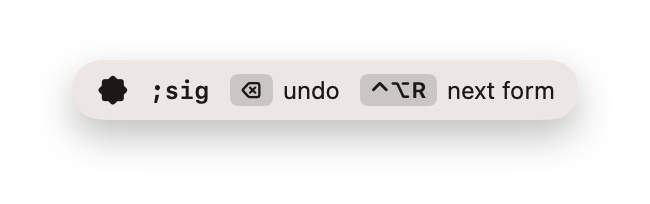
Take it back with Backspace
Fired by mistake? Press Backspace right after an expansion to take it back.
Black Friday sale. Keyseal Pro is $29 instead of $39, through 4 December. Buy Keyseal Pro
 Keyseal
Text expander for the Mac
Give your address, your replies and your signature a short trigger, and Keyseal types them wherever you are writing. Your snippets are encrypted on your Mac, and your text never leaves it.
Download Keyseal 1.2.0 See pricing
Free for the 10 snippets you use most, with 14 days of Pro on every Mac. Runs on macOS 26 or later, on Macs with Apple silicon.
This box only imitates Keyseal. The app does it in your own apps.
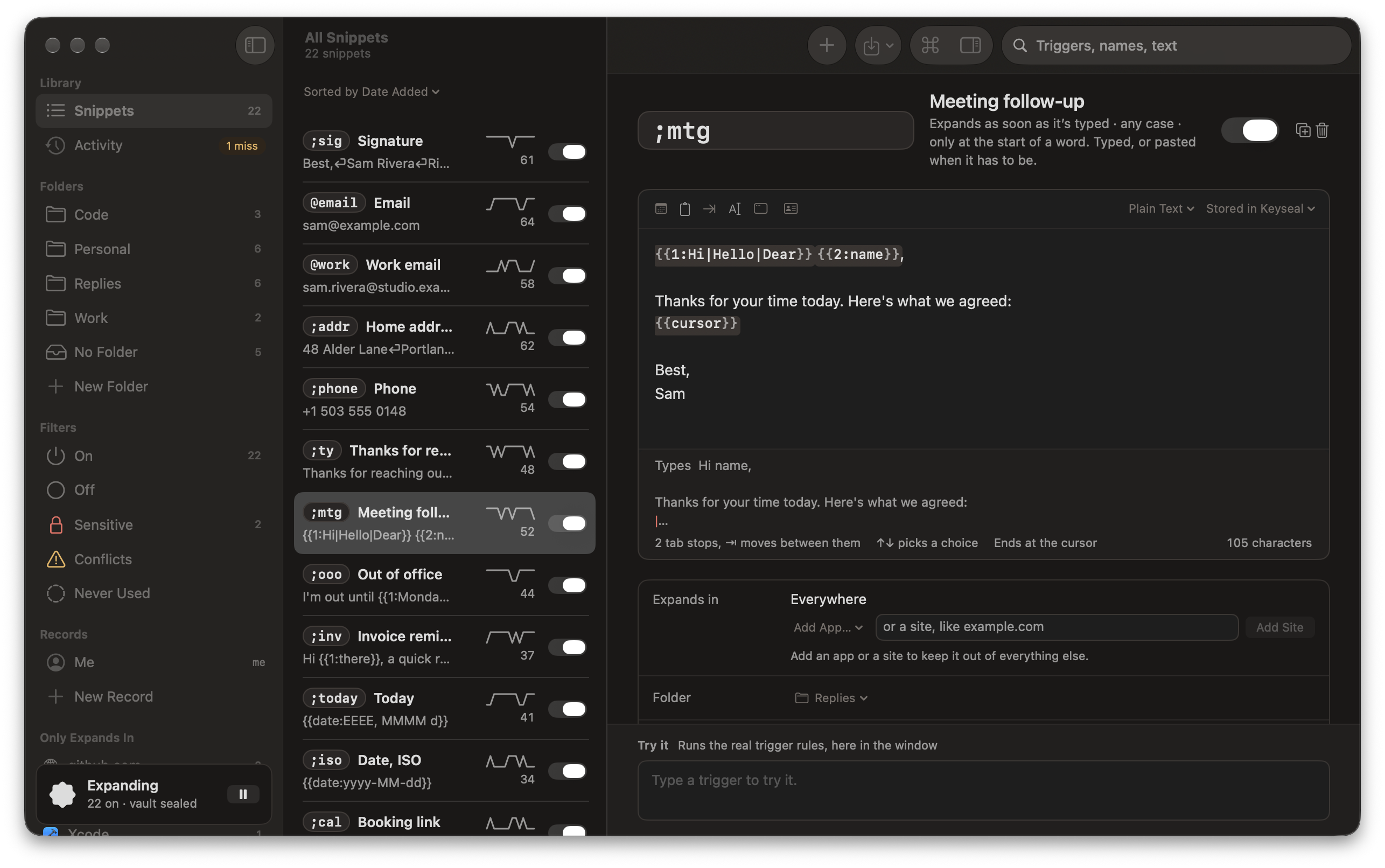
Keyseal types its text as keys, in order, even when you type fast, so it works in terminals, remote desktops and web apps as well as ordinary text fields. Formatted snippets are pasted, and your clipboard is put back right after.
See the apps it's tested inYour snippets are encrypted, and snippets you mark sensitive ask for Touch ID first. To keep your Macs the same, Pro syncs through a folder you already sync, as one encrypted file per Mac.
See every file Keyseal keepsPro is $39 with a year of new features. After that year Keyseal keeps working, with every fix for new versions of macOS. Export your snippets whenever you like.
See what's free and what's ProSwitching
Keyseal shows every snippet before anything is added: what it'll type, what changed, and which ones it can't bring over. Pick where you're coming from.
Keyseal is $77 over three years if you add both optional years of new features. TextExpander's price is from its pricing page, checked on 27 November 2026. It runs on Windows and phones, which Keyseal doesn't: where TextExpander is still the better choice. TextExpander is a trademark of its owner; Keyseal isn't connected with it.
The whole engine is free. Pro adds the parts marked Pro.
Fired by mistake? Press Backspace right after an expansion to take it back.
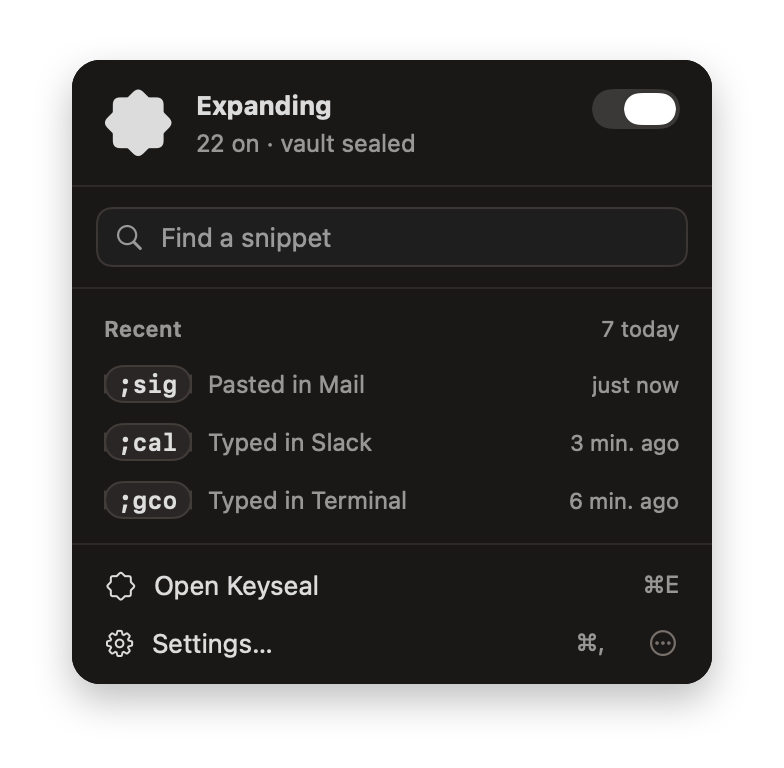
The menu bar shows whether Keyseal is on, and the last expansions with the app each one went to.
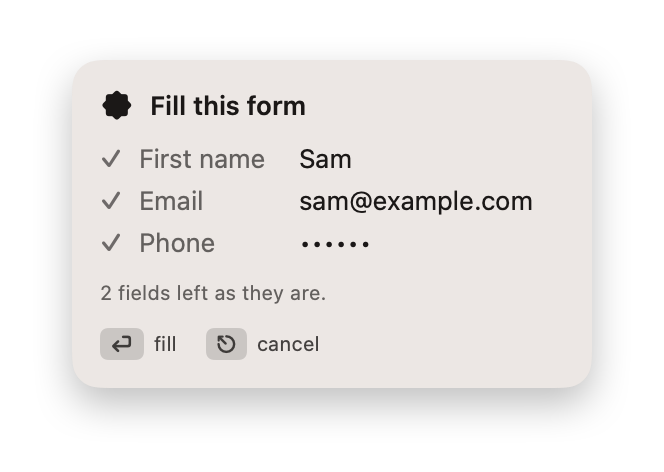
⌃⌥F fills your name, addresses and phone numbers, chosen by each field's label.
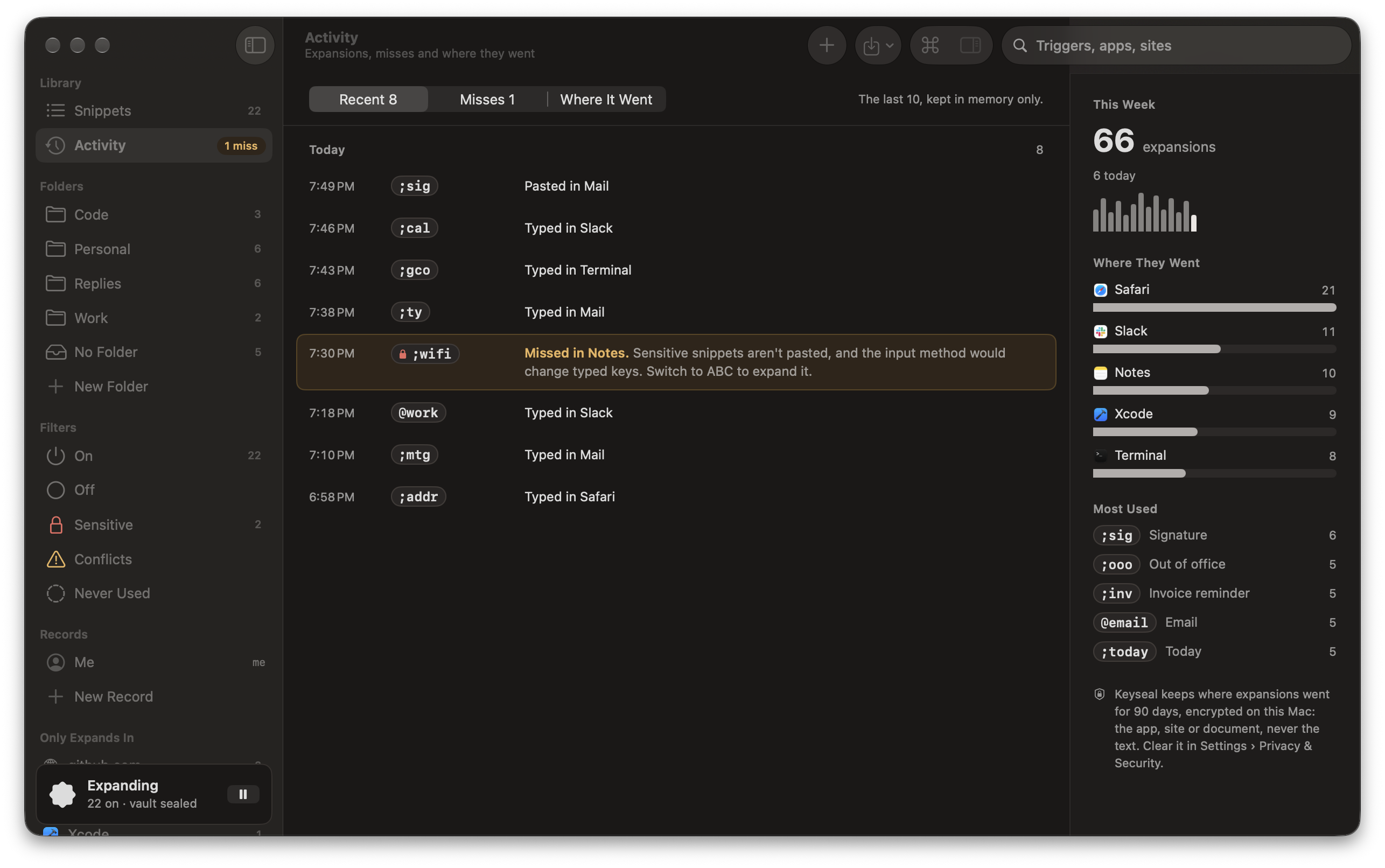
Activity lists the last expansions and where each went. A miss comes with its reason and the fix, so you aren't left guessing.
Privacy
The only connection Keyseal makes is the update check, and you can turn it off. This is the whole request.
GET https://keyseal.app/appcast.xml
User-Agent: Keyseal/1.2.0 Sparkle/2.10.1
Every Mac gets 14 days of Pro, counted from your first expansion. When they end, nothing is deleted or locked.
$0
$39once
Ask within 30 days for your money back, no reason needed. Students and teachers get half off. Compare Free and Pro line by line
Nothing stops. Keyseal keeps working with everything you had, and still gets the fixes that keep it working on new versions of macOS. Another year of new features is $19, only if you want it.
No. Password fields turn on macOS's Secure Input, which hides keys from every app like Keyseal, so nothing expands there. More about Secure Input.
Yes, with Pro, through a folder that iCloud Drive, Dropbox or another service already syncs. Each Mac writes one encrypted file there, and Keyseal itself never connects to the network.
Not yet. Keyseal runs on the Mac.
macOS 26 or later, on a Mac with Apple silicon (M1 or later).
Yes. Export your snippets whenever you like, on Free or Pro. File formats shows how each file is laid out.
Free for the 10 snippets you use most, with 14 days of Pro on every Mac.
macOS 26 or later, Apple silicon