Keyseal
Press kit
The facts about Keyseal, two descriptions, the icon and screenshots, or all of it in one zip. For a license to review Keyseal, or anything else, write to support@keyseal.app.
The facts
| What it is | A text expander for the Mac: type a short trigger, and Keyseal types the text it stands for. |
|---|---|
| Price | Free for 10 active snippets. Pro is $39 once, with a year of new features; another year is $19. No subscription and no account. |
| Needs | A Mac with Apple silicon and macOS 26 or later. |
| Imports from | TextExpander, Typinator, Espanso, Raycast, Alfred, aText, Apple's Text Replacements and CSV. |
| Made by | Ardenfold |
| Contact | support@keyseal.app |
In a sentence
Keyseal is a text expander for the Mac that keeps your snippets encrypted on it, types them as keys so they work in terminals and remote desktops, and is bought once.
In a paragraph
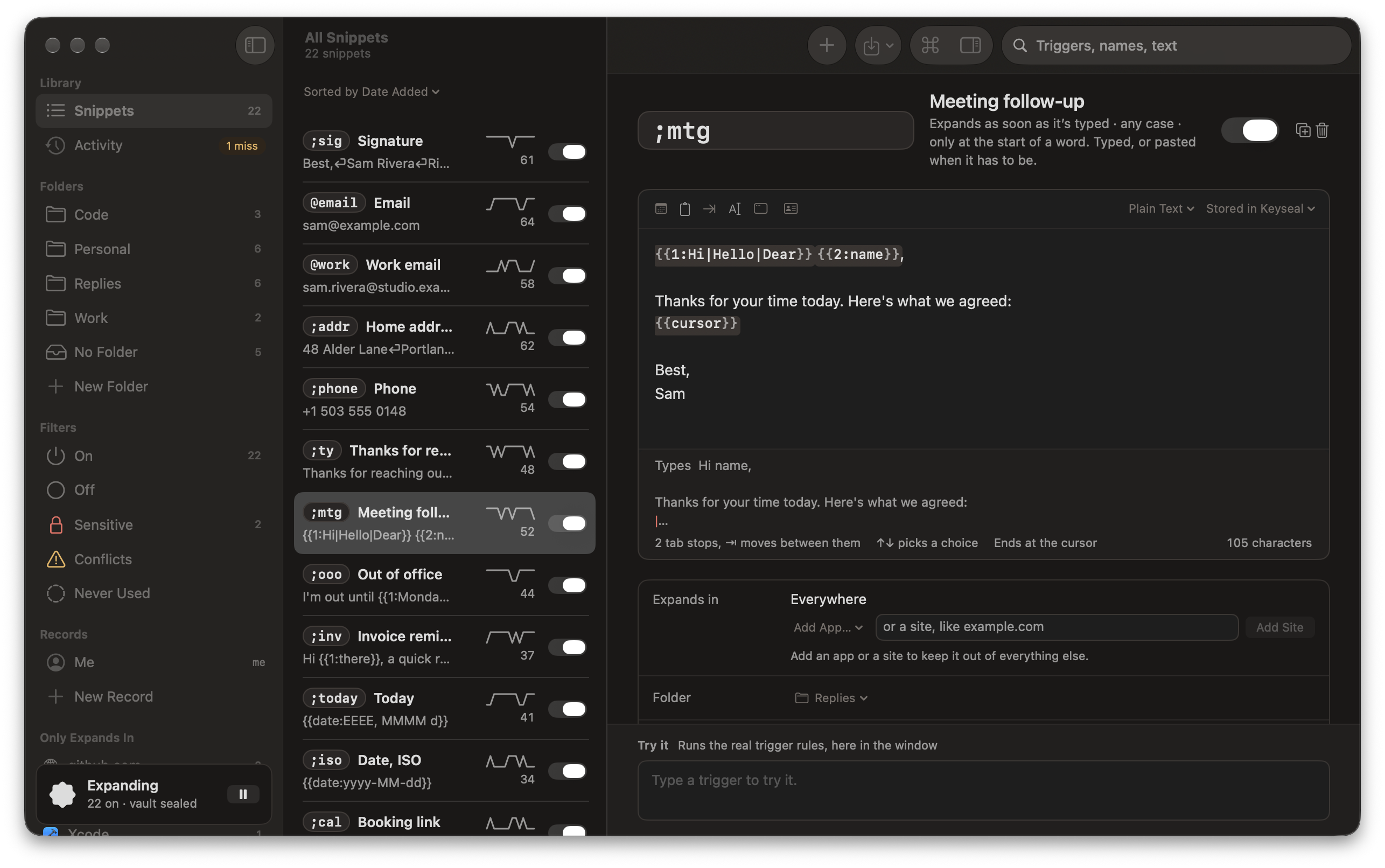
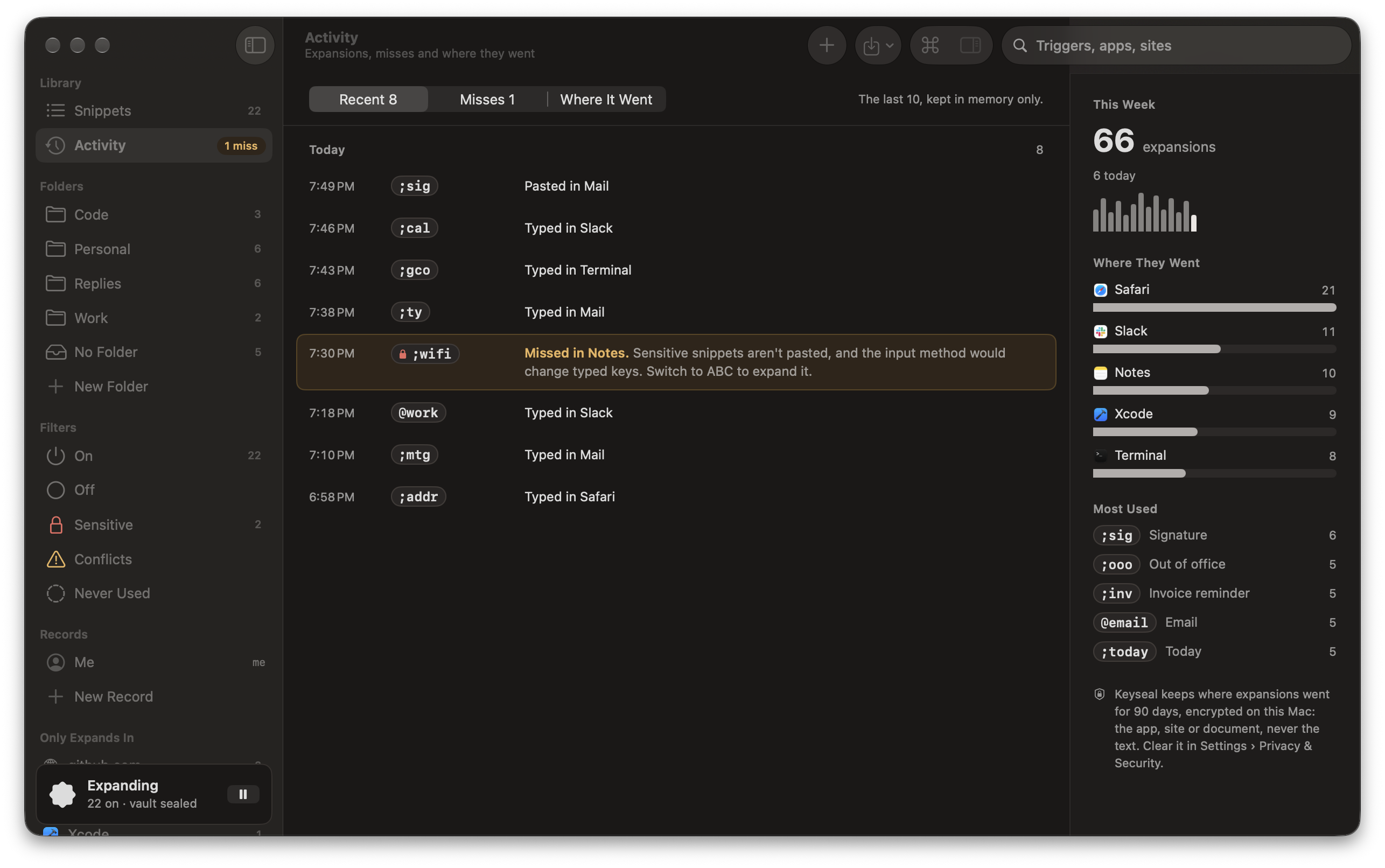
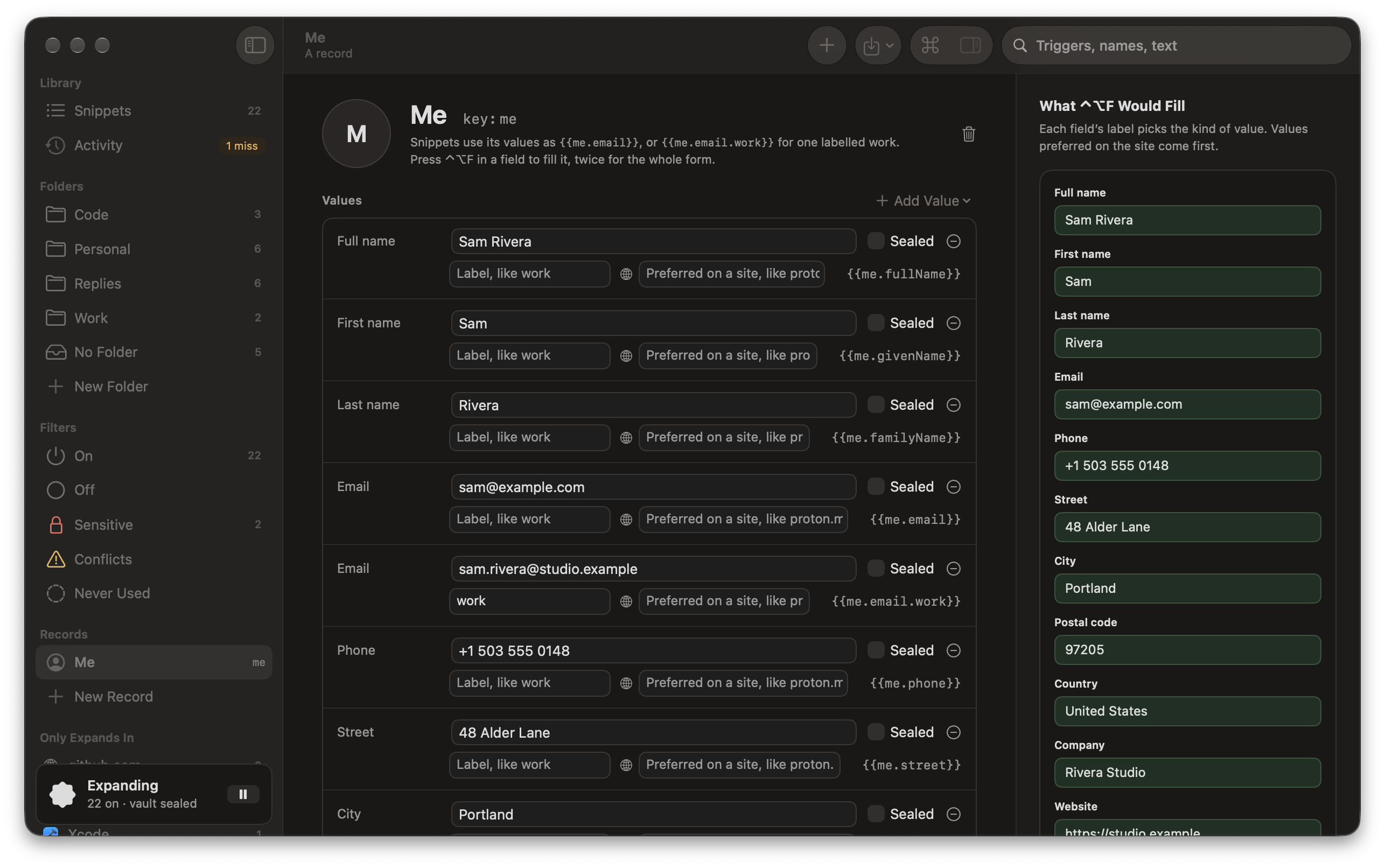
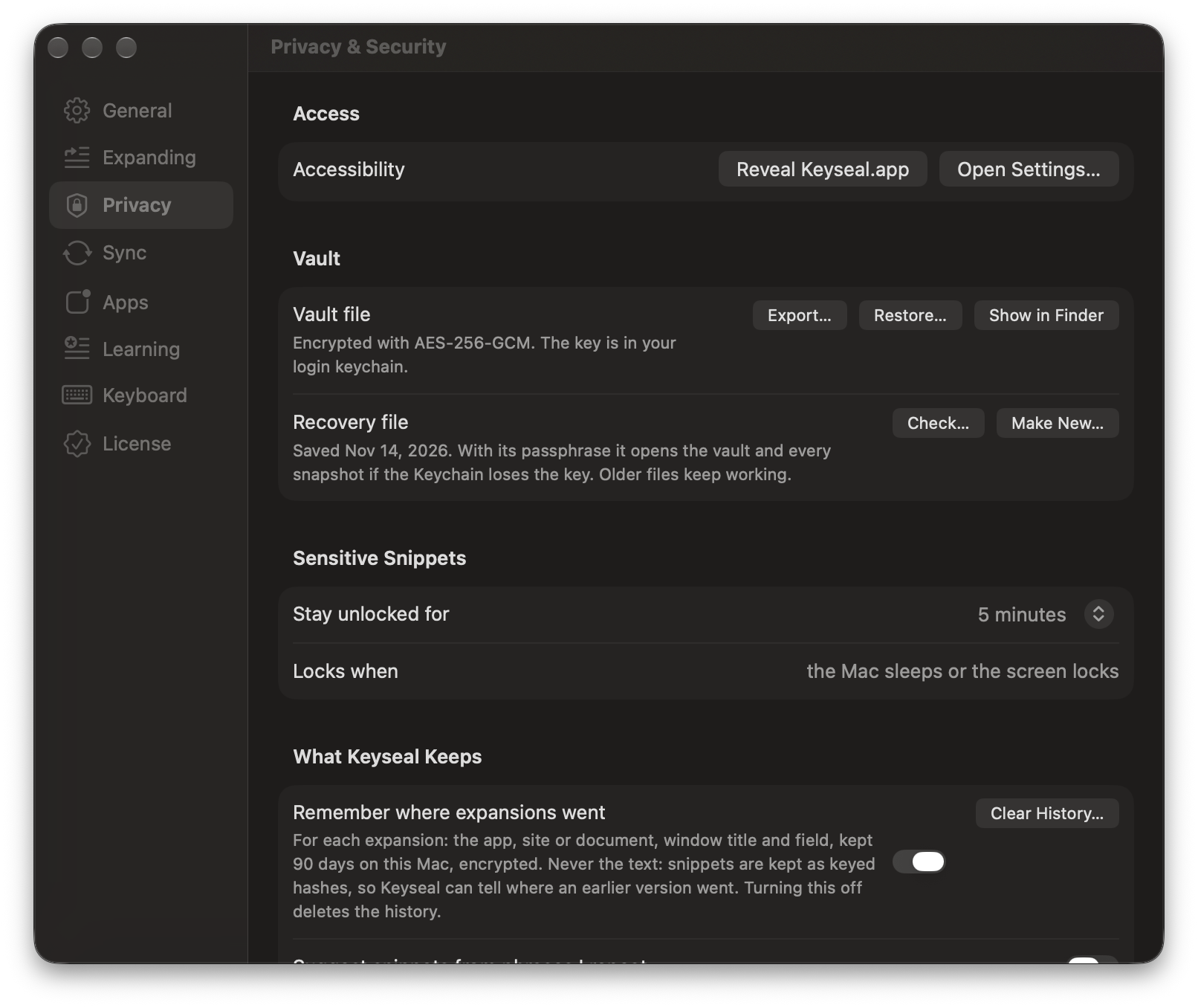
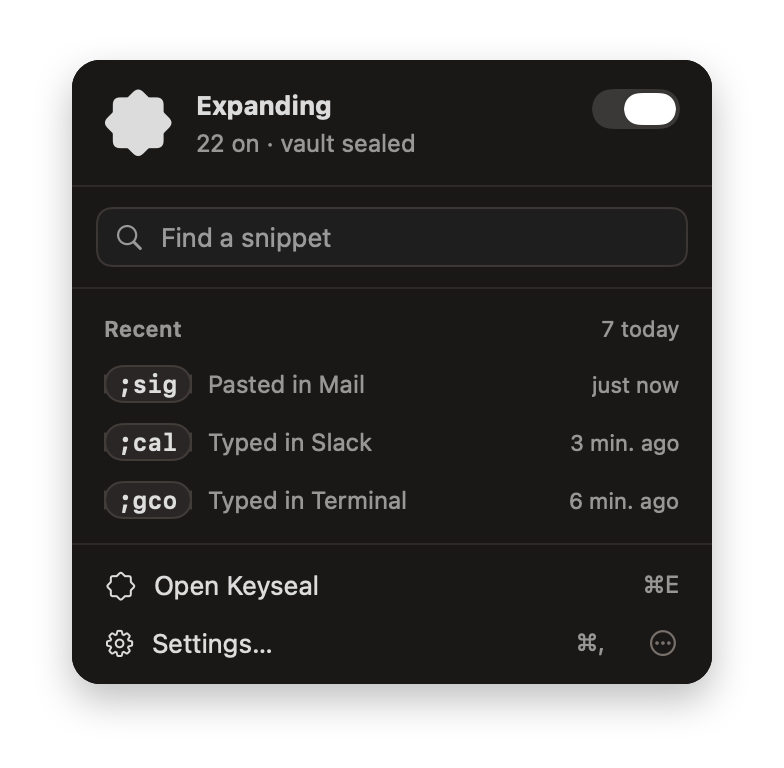
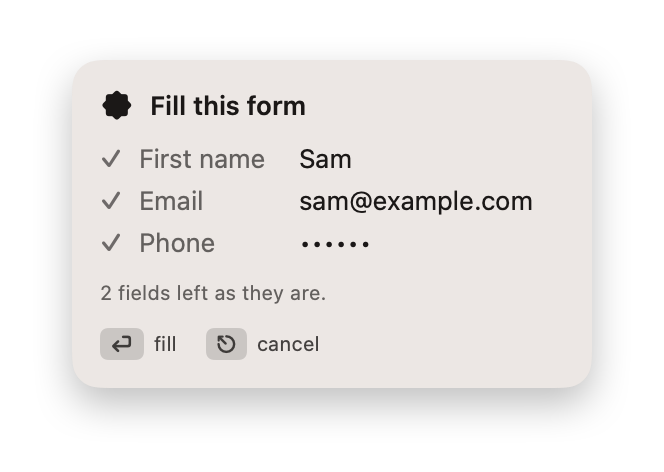
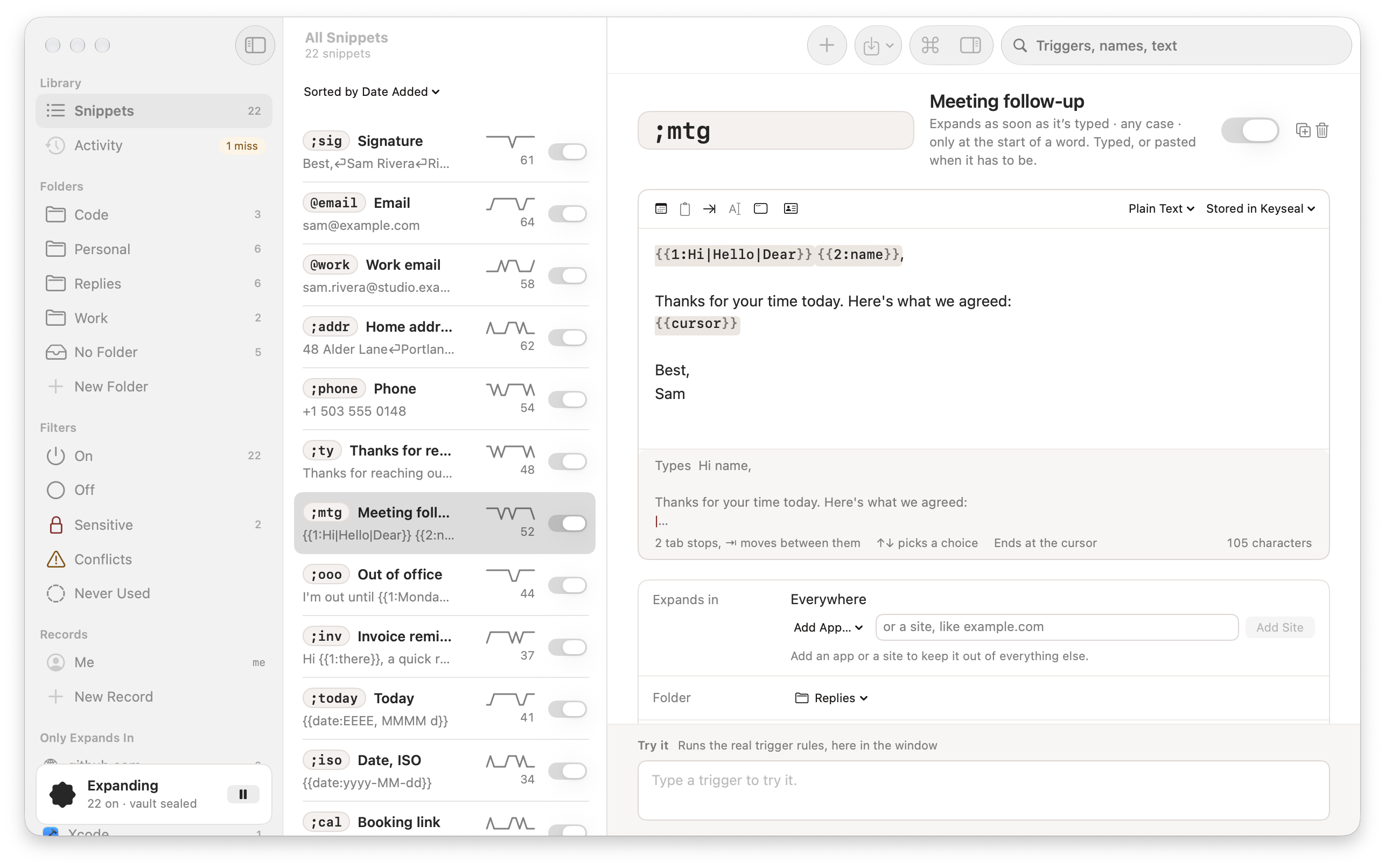
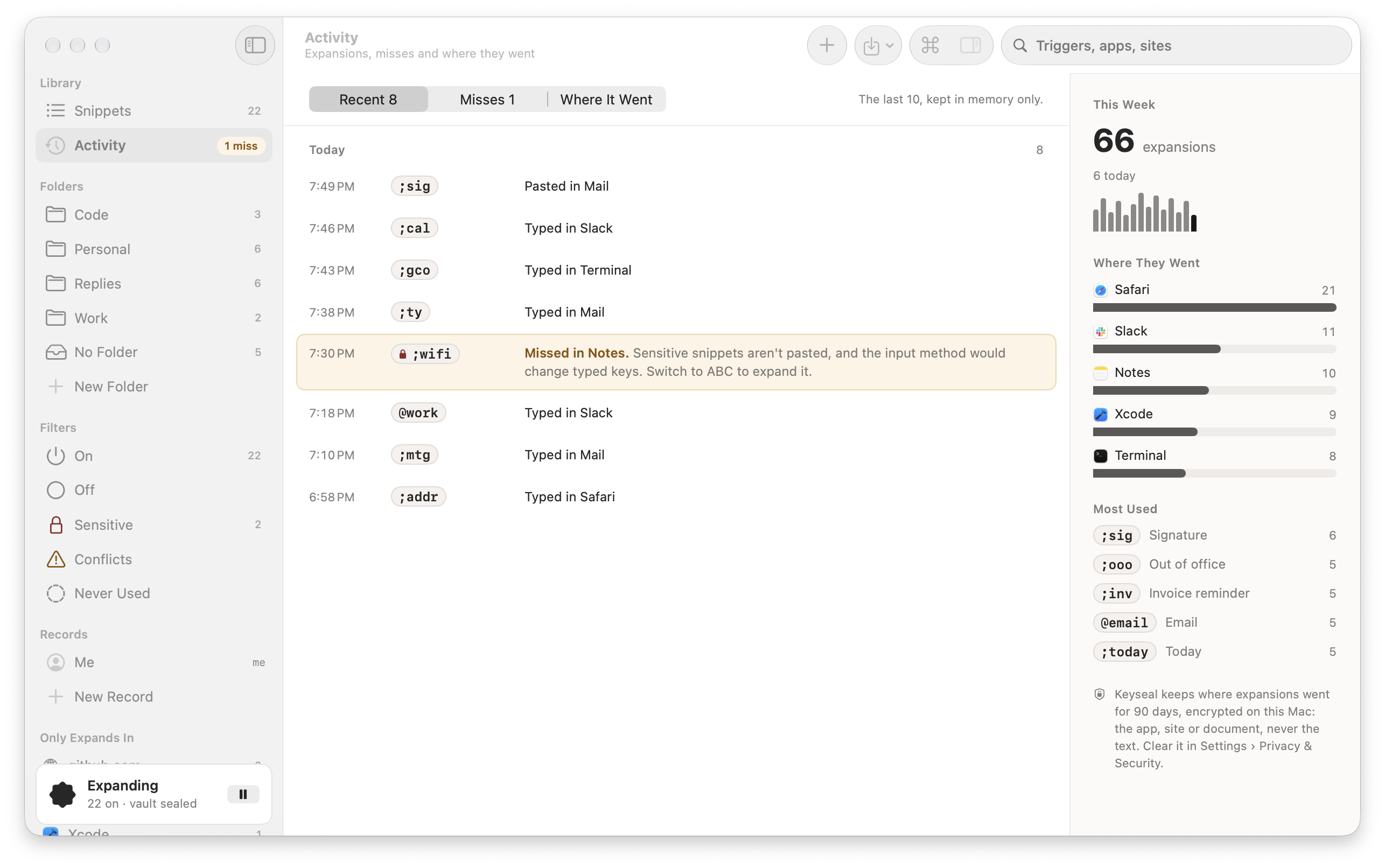
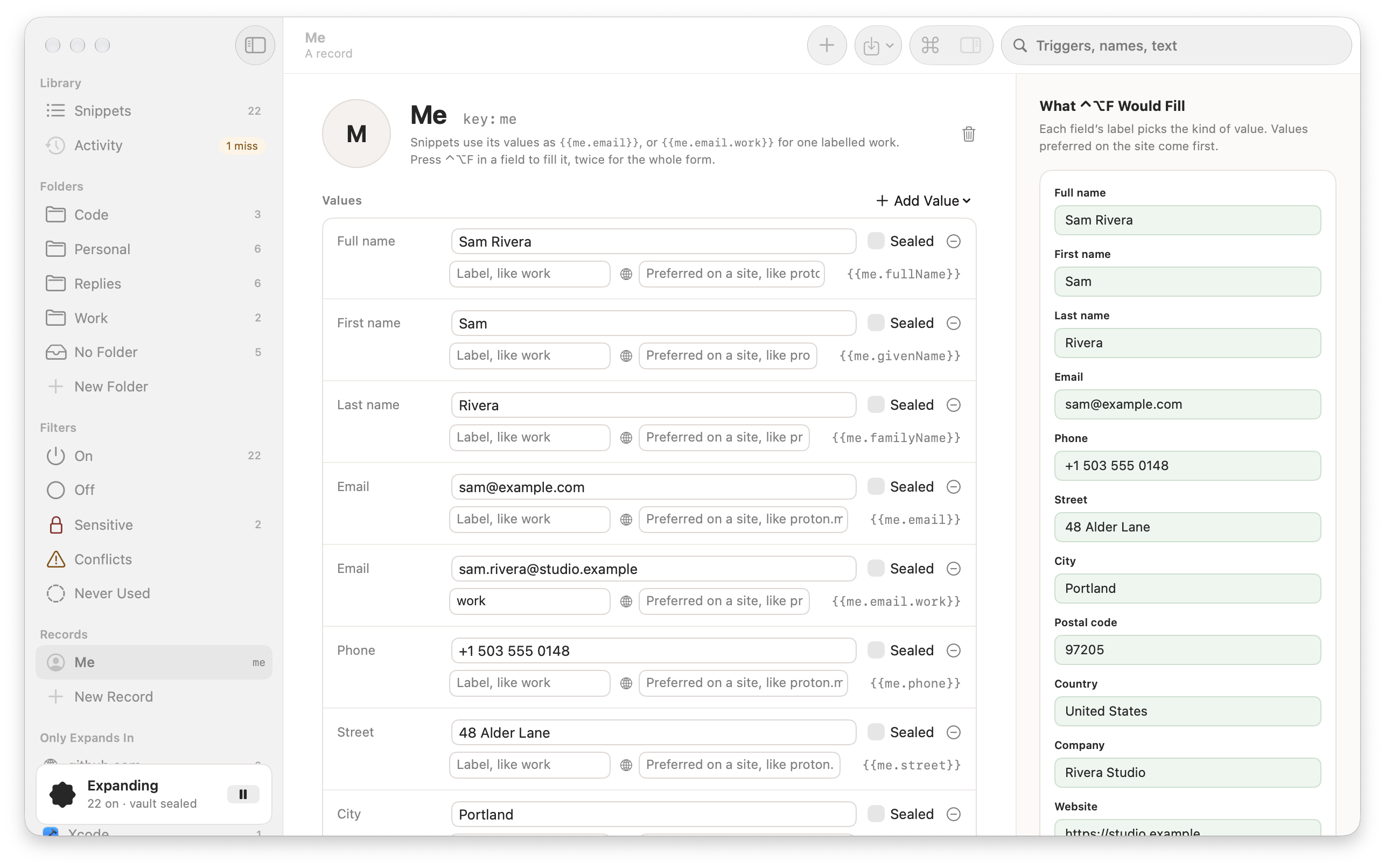
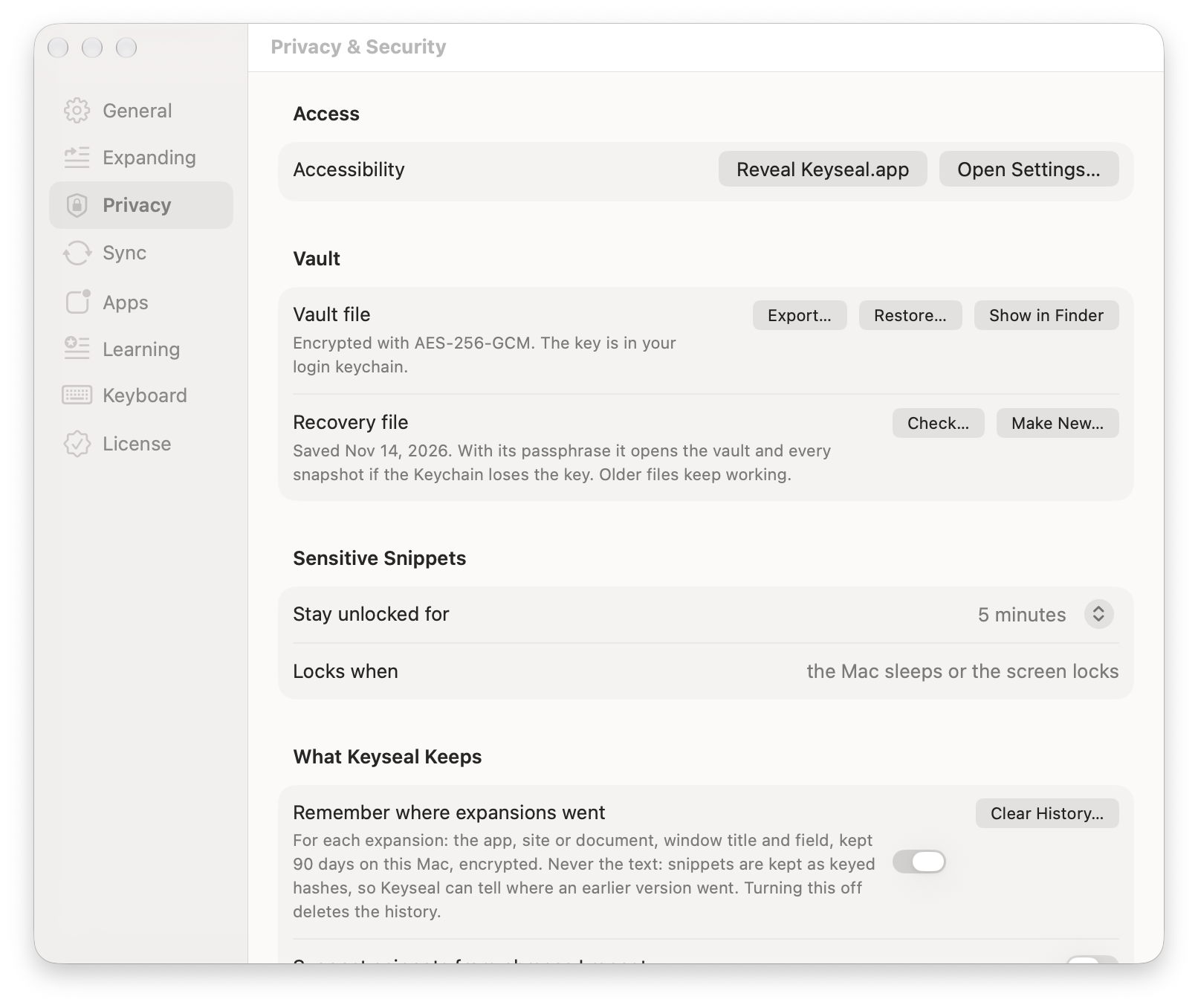
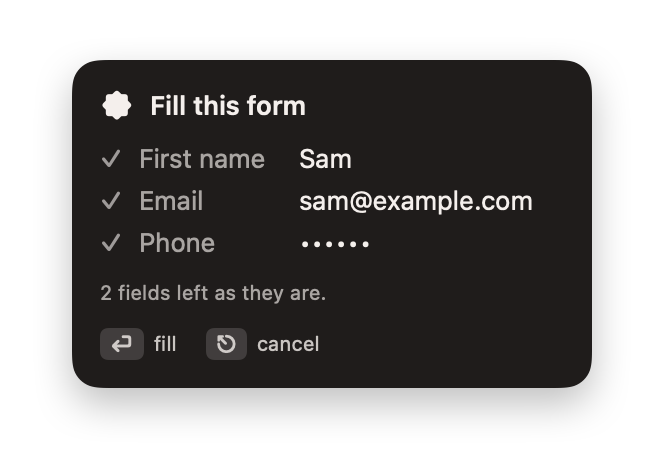
Keyseal is a text expander for the Mac. Give your address, your replies and your signature a short trigger, and Keyseal types them wherever you're writing: mail, chat, the browser, a terminal or a remote desktop. Snippets are encrypted on the Mac with a key in its Keychain, sensitive ones ask for Touch ID, and the only request Keyseal makes is its update check. In Pro, ⌃⌥F fills a whole form from your own details, chosen by each field's label. Keyseal is free for 10 active snippets, and Pro is $39 once.
The icon

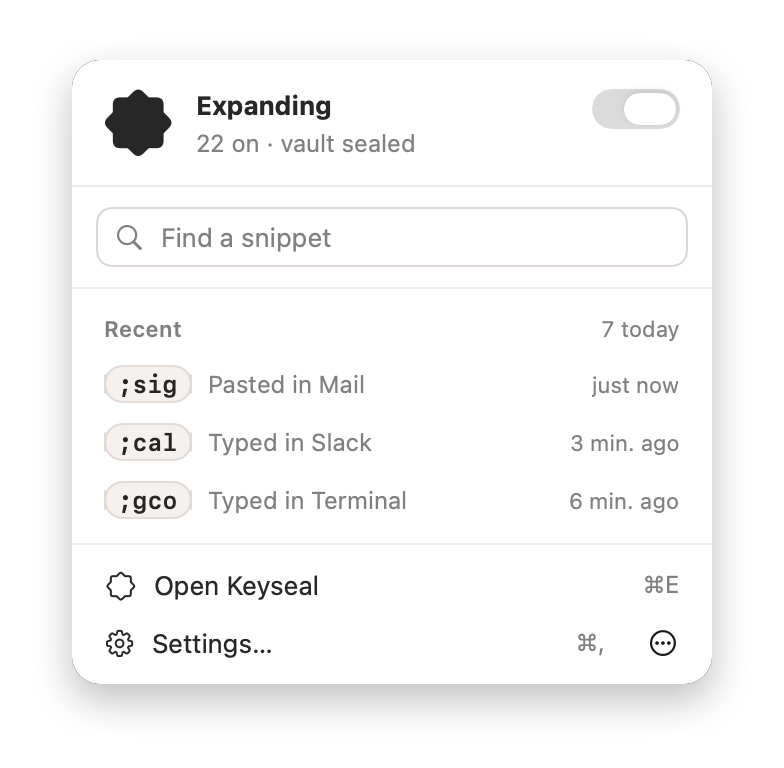
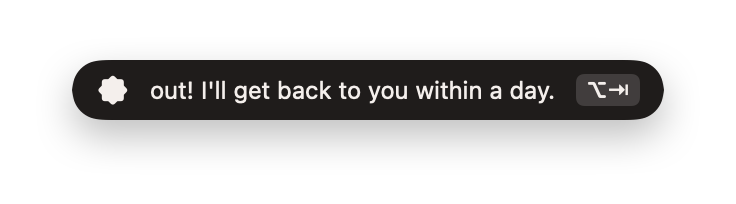
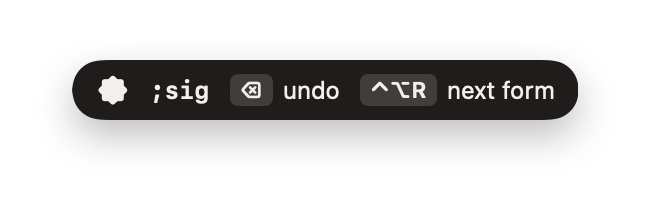
Screenshots
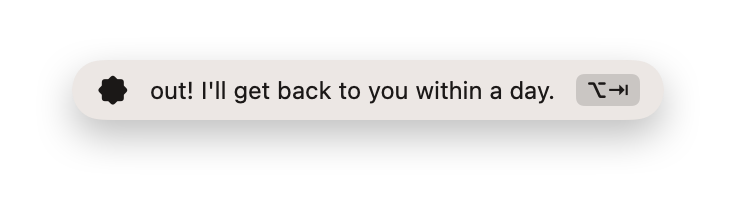
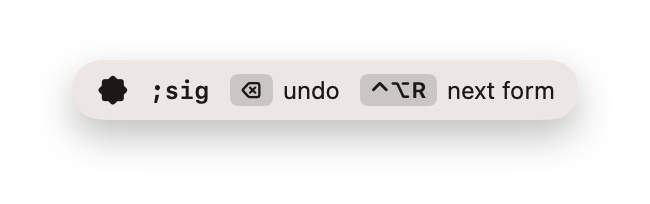
Each in light and dark, at twice its size, with the window's shadow on a clear background. The library in them is made up.